What this post is about
- How to set up grub background image
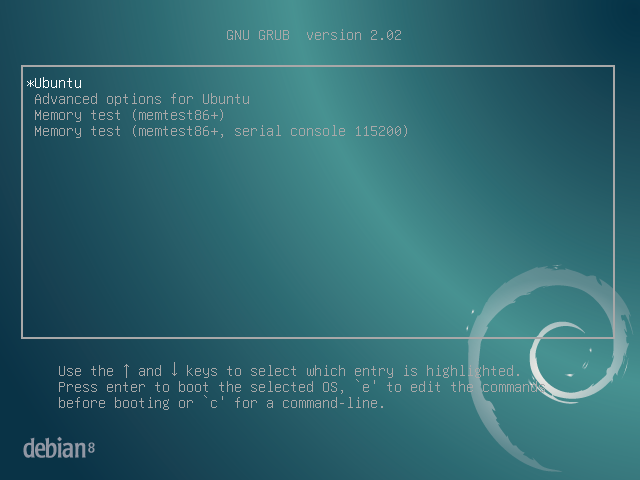
What you need to do
- You need to find an image according requirements described in Choosing a GRUB 2 Background Image in https://help.ubuntu.com/community/Grub2/Displays.
- You need to copy this image to the /boot/grub/ directory.
- You need to run
sudo grub-update - You need to reboot the system and see your beautiful image. If you don’t see your image in the grub menu something wrong with it image (check requirements).
To check corectness go into /boot/grub/grub.cfg generated automatically via grub-update and find ### BEGIN /etc/grub.d/05_debian_theme ###. All the code until ### END /etc/grub.d/05_debian_theme ### is generated for you. For example, my system will use this colors if it cannot use my image:
set menu_color_normal=white/black
set menu_color_highlight=black/light-gray